How to Check Your Banglalink SIM Number
Have you ever needed to share your mobile number but could not remember it? This can happen when you purchase a new SIM, use multiple numbers, or keep a secondary Banglalink connection for internet and calls.
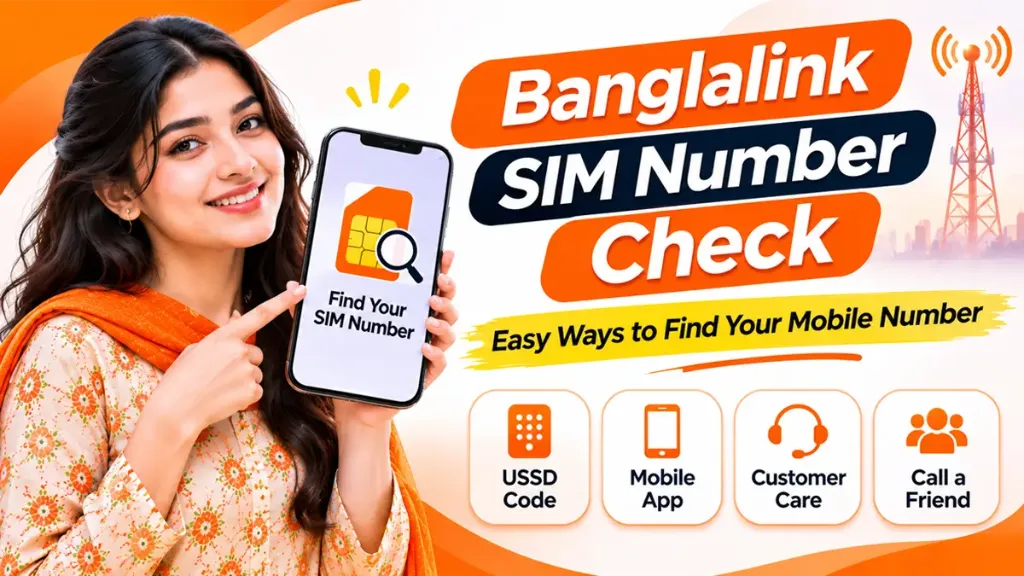
Fortunately, you do not need to visit a customer care centre just to find your own number. You can try the Banglalink USSD number-check code directly from your phone.
Banglalink Number Check Code
The commonly listed Banglalink own-number check code is:
*511#
Follow these steps:
- Insert your Banglalink SIM into your phone.
- Open the Phone or Dialer app.
- Enter
*511#. - Press the call button.
- Select your Banglalink SIM if you use a dual-SIM phone.
- Follow the on-screen response to view your number.
USSD services generally work without mobile internet. If the code does not respond, try the alternative methods below.
Check Your Number Using the MyBL App
The MyBL app is another convenient way to access your Banglalink account information.
- Open the MyBL app on your smartphone.
- Sign in using your Banglalink connection.
- Complete OTP verification if requested.
- Open your account or profile section.
- Look for the mobile number displayed with your account information.
Use the official app downloaded from a trusted app store. Never share your OTP or account verification code with another person.
Other Ways to Find Your Banglalink Number
1. Call Someone You Trust
Make a call to a family member or friend. Your number may appear on their phone screen. You can also send an SMS and ask them to share the displayed sender number.
Normal call or SMS charges may apply.
2. Check Your Phone Settings
On many Android phones, open:
Settings → About phone → SIM status
The exact menu name depends on the phone manufacturer and Android version. Some devices do not display the mobile number because it may not be stored on the SIM.
On an iPhone, you can check the Phone section in Settings, although the displayed information may also depend on the SIM configuration.
3. Check Your SIM Card Packaging
If you still have the original SIM card holder, purchase documents or registration paperwork, check whether your mobile number is printed there.
4. Contact Banglalink Customer Care
If the USSD code and app do not help, contact Banglalink through its official customer support channels. Keep your SIM and identity verification information available. The operator may need to confirm that you are the authorised user.
What to Do If *511# Does Not Work
Try these troubleshooting steps:
- Make sure the Banglalink SIM is active and inserted correctly.
- Select the correct SIM before making the USSD request.
- Check whether your phone has a mobile network signal.
- Restart your phone and try again.
- Check for any temporary network issue.
- Use the MyBL app or contact official support.
Do not repeatedly try random codes found on unknown websites.
Frequently Asked Questions
What is the Banglalink SIM number check code?
The commonly listed code is *511#. Dial it from the Banglalink SIM you want to check.
Can I check my Banglalink number without internet?
Yes. A USSD request normally works through the mobile network and does not require mobile data.
Can I check my number from the MyBL app?
Yes. Sign in to the official MyBL app and look for your account or profile information.
Does checking my number require a balance?
USSD availability and charges can depend on the operator's current service rules. Check the response displayed on your phone.
Why is my number not showing in phone settings?
Some SIM cards do not store the mobile number in a format that the phone can display. Try the USSD method or the official app.
Can I find another person's Banglalink number using this code?
No. The code is intended to identify the number associated with the SIM making the request. It is not a tool for discovering another person's private number.
Final Words
If you have forgotten your Banglalink number, start by trying *511# from your Banglalink SIM. If it does not work, use the MyBL app, check your SIM documents, or contact official customer support.
Information note: USSD codes and operator services can change. Confirm the current method through Banglalink's official channels before relying on it.
Last verified: November 10, 2026